
https://www.fmdnqi.com/the-ultimate-guide-to-dell-ultrasharp-monitors-6k-performance-and-ipps-innovation/
6K resolution: a leap in clarity, but at the expense of space
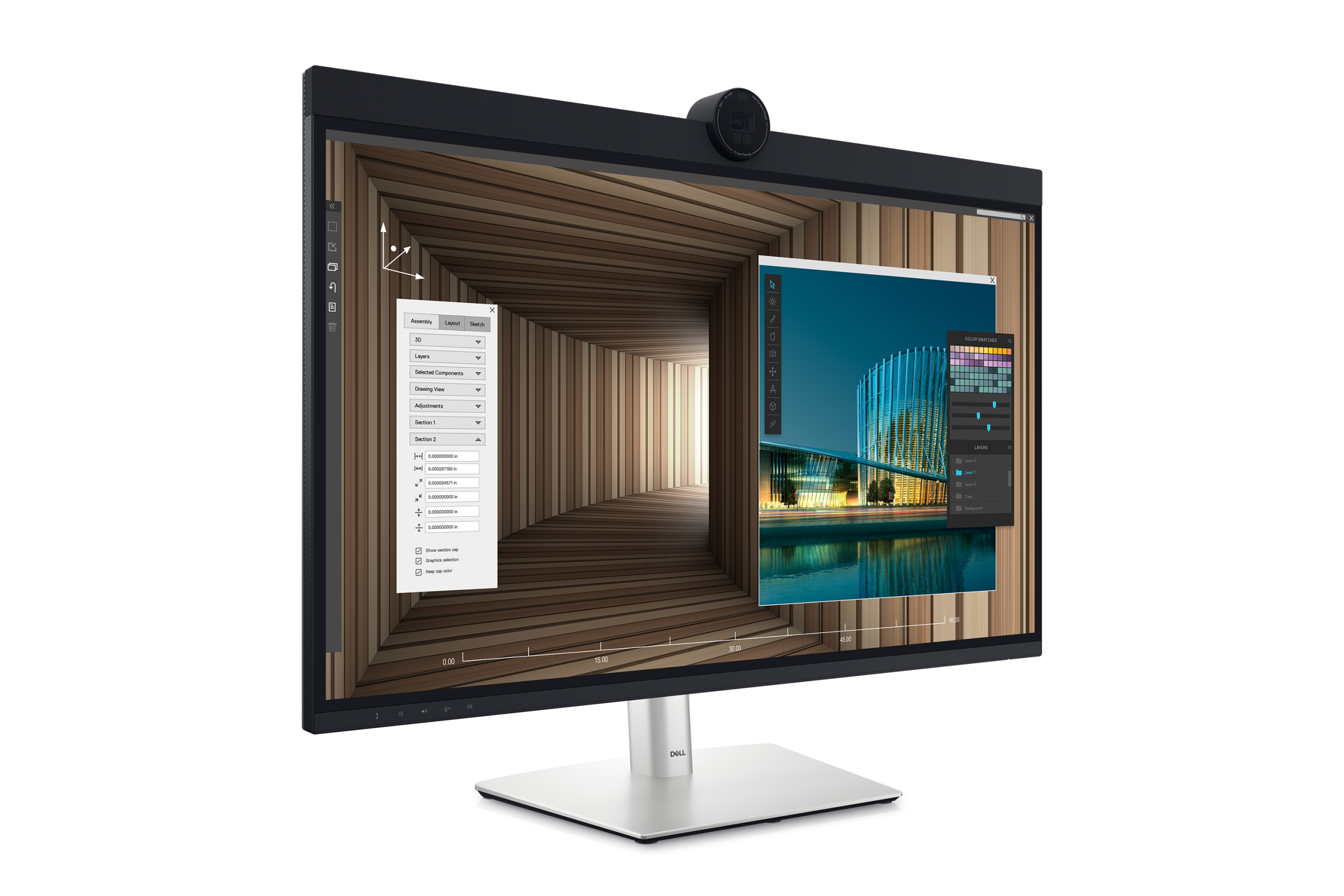
The Dell UltraSharp 32 (U3224KDA) is a 32-inch 6K (6144×3456) IPS Black panel display designed for professional users who pursue extreme clarity. On Mac, 3072×1728 (HiDPI) resolution is recommended for perfect retina display effects.
Compared with the common 32-inch 4K or 40-inch 5K2K ultra-wide screens, it has a higher pixel density and sharper edges for text and images. But the cost is a smaller actual working space – for developers or designers, they may need to adapt to a more compact layout.
Key comparisons:
40-inch 5K2K (5120×2160) : Can easily hold 3 code windows + a browser, but not retina-level clarity.
32-inch 6K (6144×3456) : The text is clearer, but the horizontal space is reduced and multi-window operation is a bit cramped.
Mac compatibility: Beware of the fatal limitations of the 2019 Intel MacBook Pro
The biggest pain point of this monitor is its compatibility with the 2019 16-inch Intel MacBook Pro – it only supports a maximum refresh rate of 30Hz, resulting in noticeable lag in operation. There is currently no solution, and Apple has not provided a fix.
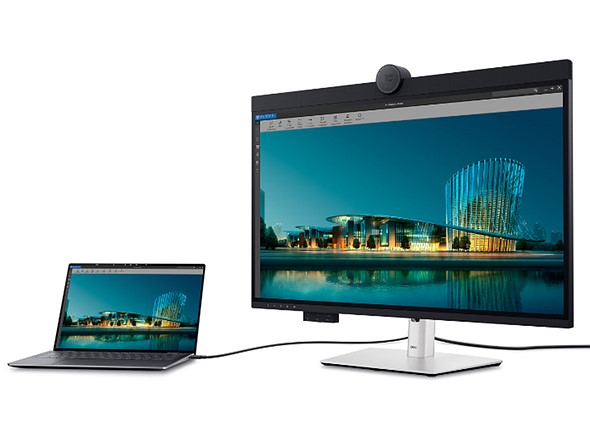
But for M-series Macs or newer Intel models, it can perfectly drive 6K@60Hz via Thunderbolt 4 with stable performance.
Professional-level features: camera, KVM, and rich interfaces
The 4K adjustable webcam
has better picture quality than most external cameras (such as the Logitech C922), supports physical occlusion and tilt adjustment. It is compatible with Mac’s FaceTime and Teams, but Windows users can also enjoy Windows Hello face login.
Universal interface and KVM switching
Thunderbolt 4, USB-C, USB-A, 2.5Gb Ethernet, and even front USB-C for easy plug-in and unplug.
KVM function: can connect multiple devices (such as Mac+PC) at the same time, and switch keyboard and mouse control with one click.
The built-in speakers and microphone
are suitable for meetings and video playback, but the music performance is average, so it is recommended to connect an external professional speaker.
Design and User Experience
Matte anti-glare coating: Different from the glossy screen of Apple Pro Display XDR, it is more suitable for bright environments.
The “forehead” at the top is wider: it accommodates the camera and speaker, which may require some adaptation in the early stages.
Eco-friendly packaging: Almost plastic-free and made of recyclable paper.
Gaming and All-Purpose Performance
PS5 compatibility : Perfectly adapted to the 16:9 ratio, 4K@60Hz for full picture, but no high refresh support (up to 60Hz).
Virtual machine/multi-device office : KVM makes cross-platform workflow more efficient.
Is it worth buying?
Suitable for :
Mac professional users who pursue 6K ultimate clarity (not 2019 Intel MBP)
Multi-device workers who need high-quality cameras, KVM, and rich interfaces
Users whose budget is between regular 4K monitors and Apple Pro Display XDR
Not suitable for :
2019 Intel MacBook Pro users (30Hz limit)
Developers/designers who need ultra-wide screen multitasking
Ordinary users with limited budget or low demand for 6K
Conclusion :
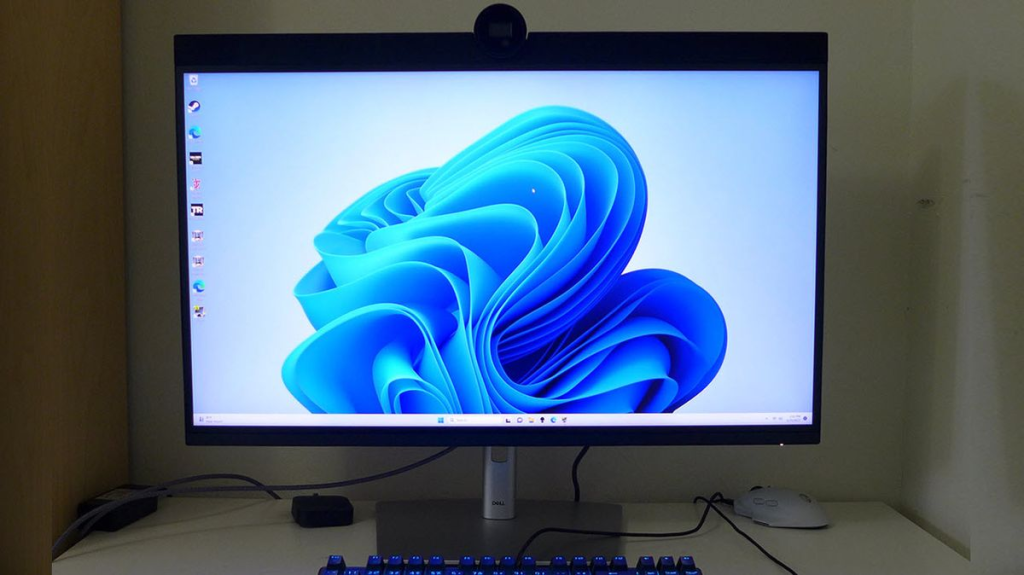
Dell UltraSharp 32 6K is the closest affordable alternative to Apple Pro Display XDR for Mac users, especially in terms of interfaces and functionality. But if you already have a 5K2K ultra-wide screen or are limited to an old Mac, the need to upgrade may not be great.
https://www.fmdnqi.com/the-ultimate-guide-to-dell-ultrasharp-monitors-6k-performance-and-ipps-innovation/