
https://www.fmdnqi.com/the-ultimate-guide-to-maximizing-your-dell-computers-potential/
In the video creator community, the first thing that comes to mind when people mention “editing computer” is the MacBook Pro.
Indeed, Apple Silicon is very energy efficient, especially in mobile editing scenarios.
But the reality is that
for a large number of people who rely on the Windows ecosystem, use the Adobe suite for a long time, or need a more powerful GPU to run 3D rendering software, Dell remains an unavoidable choice .
With the continuous upgrading of the professional photography and videography equipment market , most mainstream cameras today (Sony A7S3, Canon R5, FX3, GH6, etc.) are equipped with 4K 120fps, or even 8K RAW.
These high bitrate files place almost “hell mode” demands on computers: fast CPU decoding, powerful graphics card rendering, and stable memory throughput.
So here’s the question:
As the leading brand in the Windows camp, can Dell’s XPS series and Precision workstations really handle 4K editing or even higher-resolution video post-production work?
Let’s get straight to the results of our tests.
I. Product Positioning: XPS vs Precision, the differences are significant.
Before buying a Dell product, you must first understand these two very different product lines.
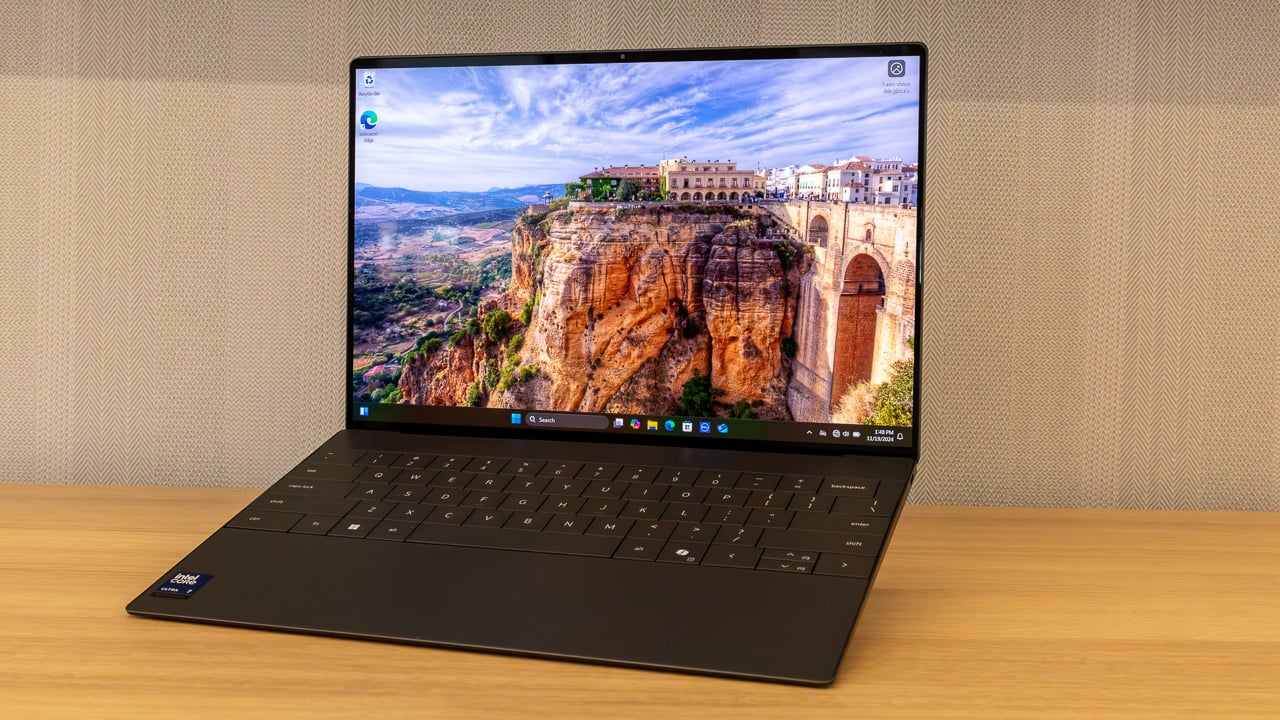
Dell XPS (15/17)
Positioning: High-end creative flagship.
Advantages:
Slim and lightweight design with excellent workmanship
The screen quality is top-notch for its price range (3.5K OLED optional).
The performance is sufficient to cover most 4K video creators.
Suitable:
Vlogger
YouTuber
Independent creators
Light to medium 4K editing
Its positioning is closer to “a high-performance creative laptop” than an industrial-grade workstation.
Dell Precision (Mobile Workstation)
Positioning: Professional imaging and industrial-grade productivity
advantages:
Optional NVIDIA RTX Ada Generation professional graphics cards
Supports ECC memory
Powerful cooling system
Suitable for long-term continuous full-load operation
Suitable:
The Colorist
DIT
Processing 8K RAW / ProRes RAW
Heavy compositing users (Nuke, AE, Houdini)
If you deal with terabytes of assets and complex effects every day, Precision’s stability and scalability are significantly better than XPS.

II. 4K Editing Test: Playback, Rendering, and Export
We used a Dell XPS 15 (i9 + NVIDIA RTX 4070) as our test unit to conduct a classic 4K editing workflow test.
1) 4K playback and timeline scrubbing
Source material:
Three 4K 60fps, 10-bit 4:2:2 (currently the mainstream encoding for mirrorless cameras)
Effect:
Set the preview resolution to “Full Resolution”.
The timeline drag is very smooth.
Almost no frame drops
Why?
Intel processors have a natural advantage in Quick Sync Video decoding, and are even more compatible with certain formats than Apple M chips.
2) Rendering and Special Effects Usage
Procedure:
Add Gaussian blur + Lumetri color correction + 3D subtitles
Performance:
Rendering speed is significantly improved after CUDA is involved.
30%+ faster than MacBook Air for complex nodes
After Effects’ Dynamic Link performs stably.
This is the advantage of a dedicated graphics card: as long as the special effects are heavy, the NVIDIA GPU starts to “power up”.
3) 4K export speed
Task:
Export a 10-minute 4K H.264 video.
Result:
Approximately 4 minutes and 30 seconds
Dell has always been aggressive in its performance releases—the fans are present, but in return, they deliver a stable output speed.
III. Screen Quality: XPS is among the best for mobile editing.
When it comes to how well a computer is used for editing, the screen is actually more important than the processor, especially when it comes to color grading.
Dell’s 3.5K OLED screens have always been highly regarded, with advantages including:
100% DCI-P3 color gamut
OLED’s pure black and high contrast
Strong sense of transparency in the picture
Factory color accuracy Delta E < 2
For mobile creators, the XPS screen can completely replace an external professional monitor (unless you are doing cinematic color grading).
IV. Extensibility: Truly Creator-Friendly
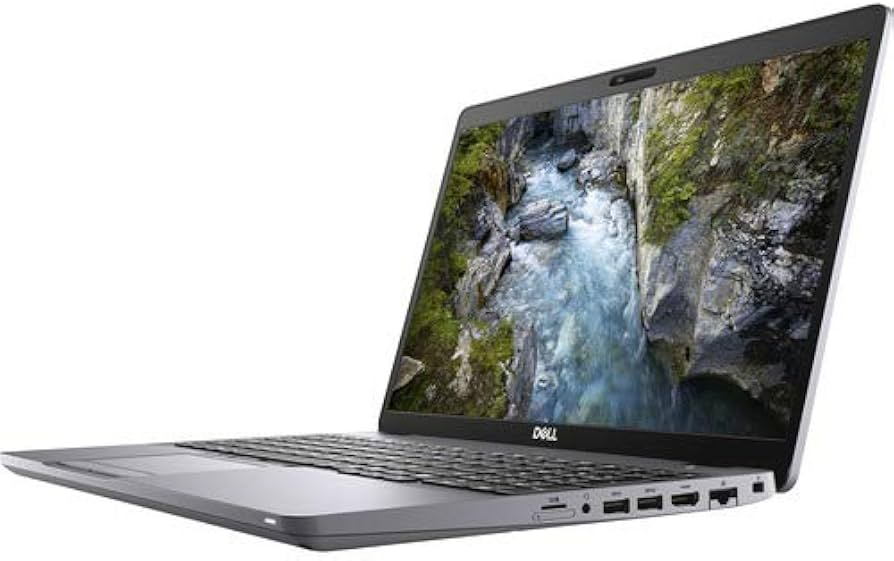
Compared to Mac, the most undeniable advantage of Dell is its willingness to provide you with interfaces.
SD card slot (full size)
This is especially important for video workflows—simply insert the card to transmit; no card reader is needed.
Upgradeable memory and SSD
Many XPS/Precision models support future upgrades:
Memory can be increased to 64GB or higher.
SSDs can be expanded to 4TB or even 8TB.
In contrast, Macs solder the memory and hard drive together, which is extremely unfriendly to people with a lot of cached files.
Conclusion: Is Dell suitable for video editing?
The answer is: It’s a great fit.
But it depends on what type of creator you are.
Suitable for Dell XPS:
4K editing
Adobe suite
More LUTs, color grading and light effects
Lightweight equipment is needed for outdoor shooting
The XPS is currently one of the most competitive creative laptops in the Windows camp .
Suitable for Dell Precision:
8K RAW
Cinematic color grading
Heavy effects in After Effects / Nuke / Houdini
Long-term continuous full-load rendering
Precision is an industrial-grade productivity monster that “never breaks down.”
https://www.fmdnqi.com/the-ultimate-guide-to-maximizing-your-dell-computers-potential/